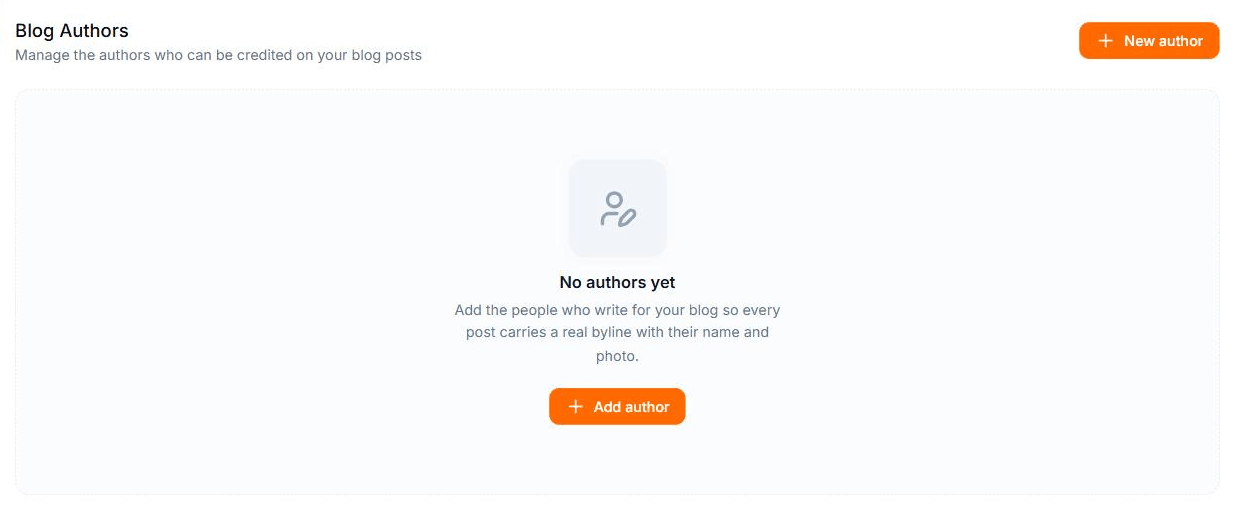
Authors (Brand Kit → Authors) are the people credited on your blog posts. Once an author is assigned to an article, the public blog shows their name and photo on it.
Blog Authors
1
Add an author
Click New author and enter a Name and a short Bio. After saving, edit the author to upload an Avatar (PNG, JPG, or WEBP).
2
Assign the author to an article
Open an article, go to the Meta tab of the sidebar, and pick the author under Author. + New author there creates one without leaving the editor.
3
Find articles by author
In All Posts, the list view shows an Author column, and Filters → Author narrows the list to one author or to Unassigned posts.
Deleting an author doesn't delete their articles. Content credited to them shows as Unassigned until you pick another author.